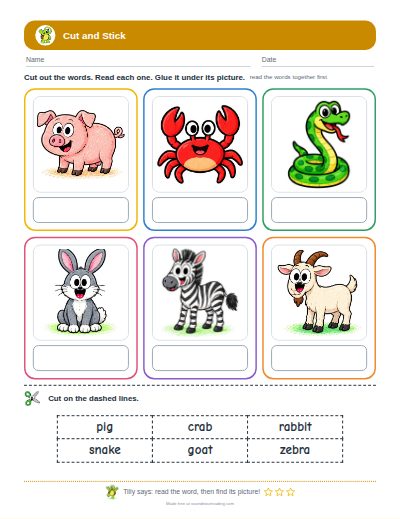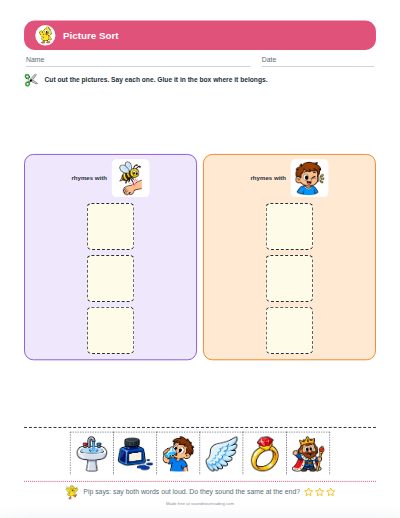



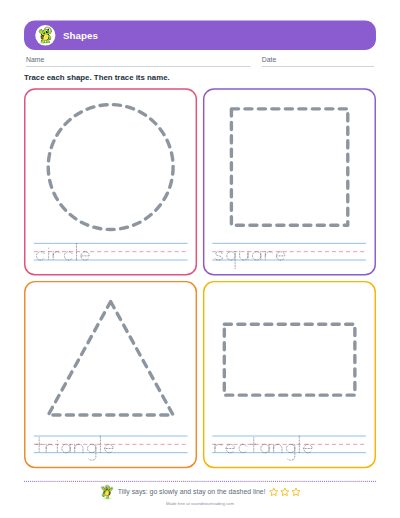
Cut and paste shapes worksheet maker

Cut out the shapes, match them, sort them

Make a cut and paste page for shapes. On the matching page your child cuts out six shapes and glues each one on its gray shadow, above its name. On the sorting page there are nine shapes in three sizes to sort into three boxes, such as circles, squares and triangles.
Pick a design

Now: . Hundreds of designs to choose from.

Choose each part yourself

To keep a copy, choose “Save as PDF” as the printer. What you type stays on your device: it is not sent to us and not saved.

Your worksheet:

Watch: how the free worksheet makers workA short lesson. Three steps, and every maker works the same way.

How to make your worksheet

  1. Choose the kind of page: match to the shadow, or sort into boxes.
  2. Choose which shapes are on the page.
  3. Choose how many pages to print.
  4. Print. Your child cuts along the dashed lines at the bottom.

Same shape, other size

On the sorting page each shape comes in three sizes. A small triangle and a big triangle go in the same box, which shows that the name belongs to the shape and not to its size.

What you need

Child-safe scissors and a glue stick.

Good questions

Which shapes are there?

Circle, square, triangle, rectangle, oval, diamond, star and heart.

Is there an answer key?

Yes. Turn on “Answer key page”.

Can I print in black and white?

Yes. The shapes print as outlines to color in before cutting.

Is it free?

Yes, with no sign-up and no limit.

Make another kind of sheet

Free · 2 minutes

Is reading hard for your child, and you are not sure why?

“Behind in reading” can mean ten different things, and each one needs different help. Check off what is true for your child. You will see what to work on first, and what can wait.

Find where to start